Desktop app · Windows
A copilot in your tray
Keep any call open. Press Ctrl Shift Space and a card floats on top with what was said and who said it.
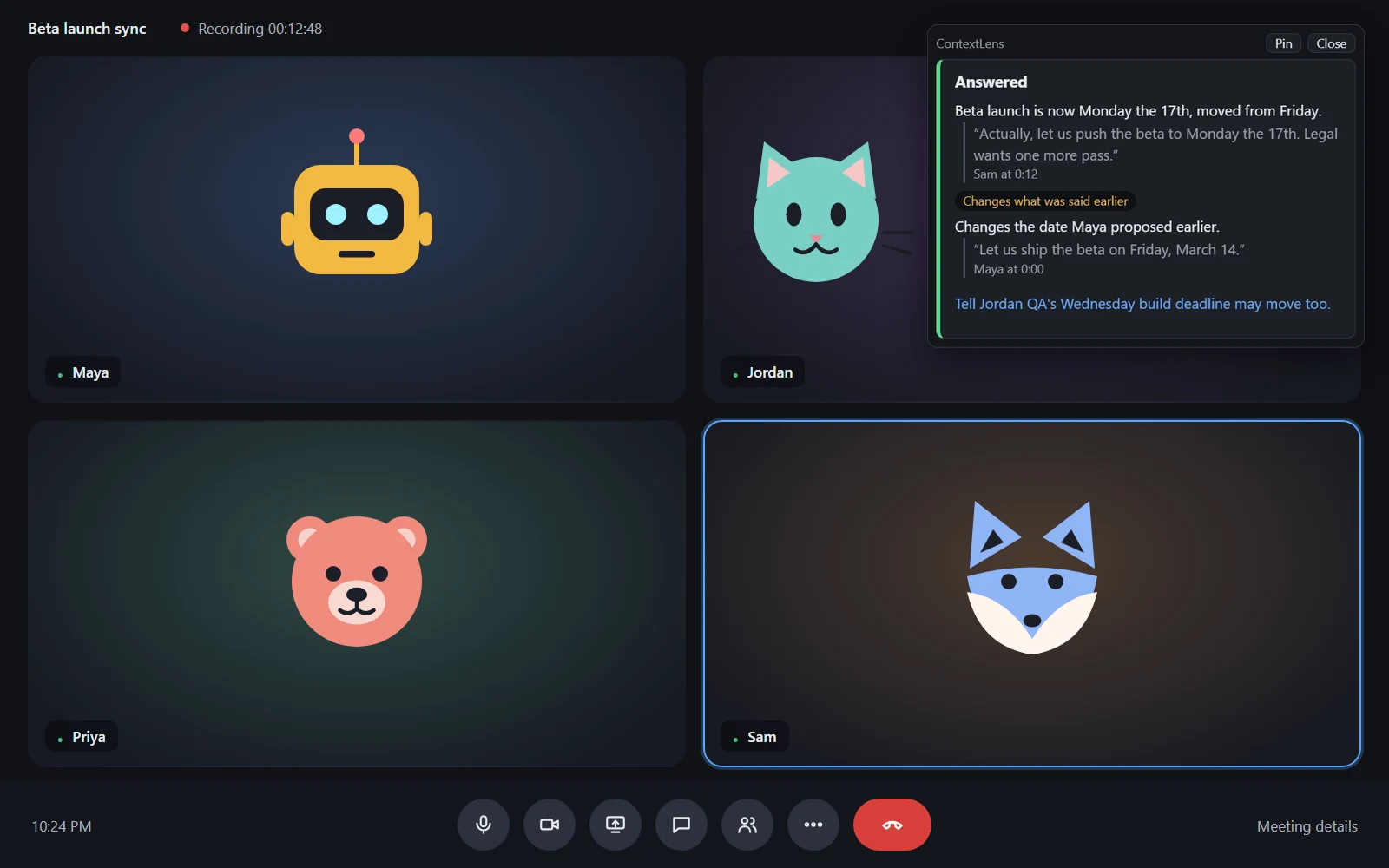
In a call
- 1
Join any call
Zoom, Meet, Teams, anything. It hears your mic and the call audio.
- 2
Press the hotkey
Ctrl Shift Space works over any app. It also speaks up on its own when something changes.
- 3
Read, then close
The card stays on top until you close it. Pin it if you want it to stay.
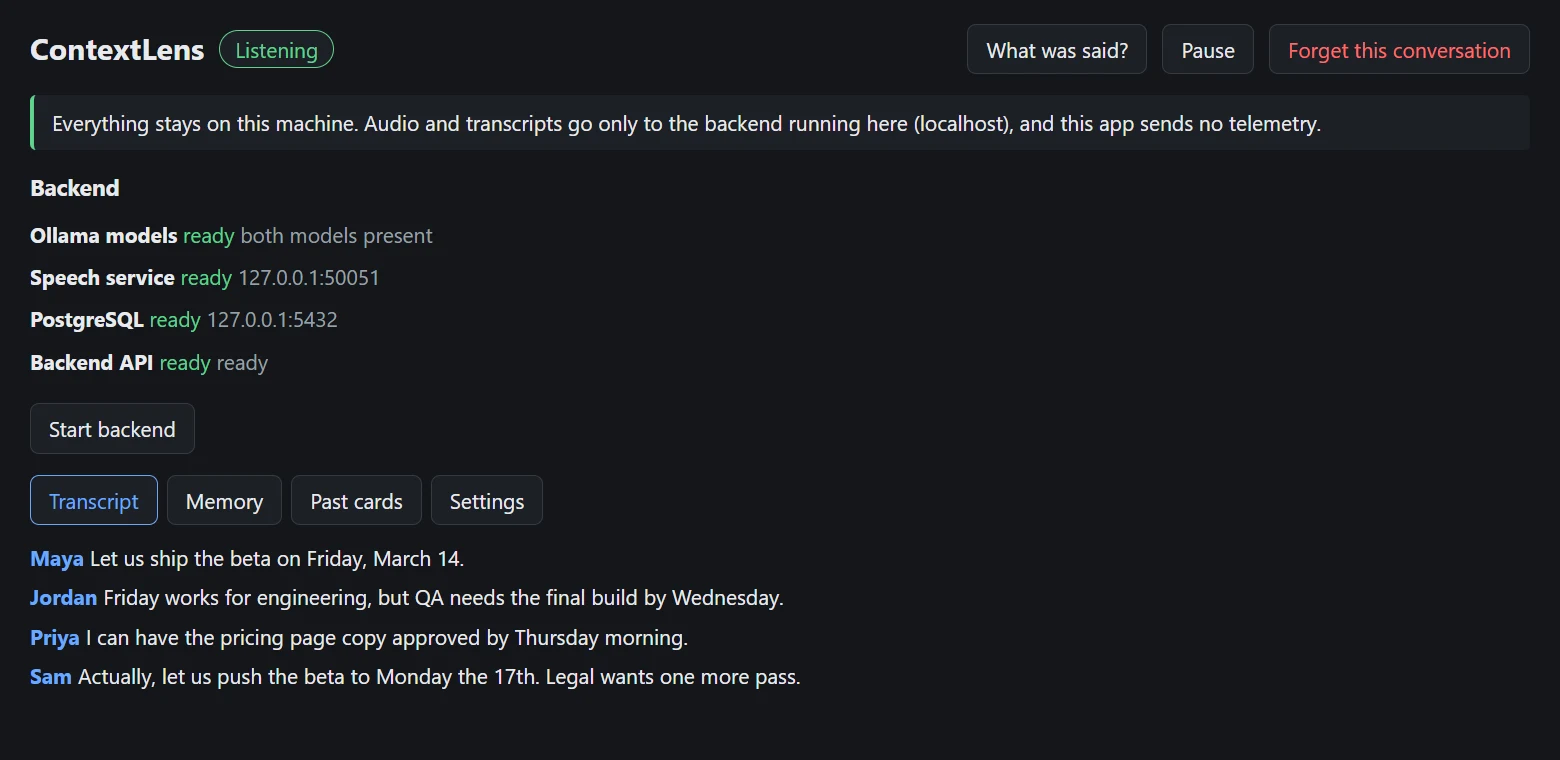
Nothing leaves your machine
Every part of the pipeline runs on this computer. No account, no cloud, no telemetry.
- Speech
- whisper.cpp in a local container.
- Model
- A 4B model on your GPU, through Ollama.
- Memory
- PostgreSQL on this computer.
- Forget
- One button deletes the conversation.
Set it up in about 15 minutes
Most of that is downloading the models.